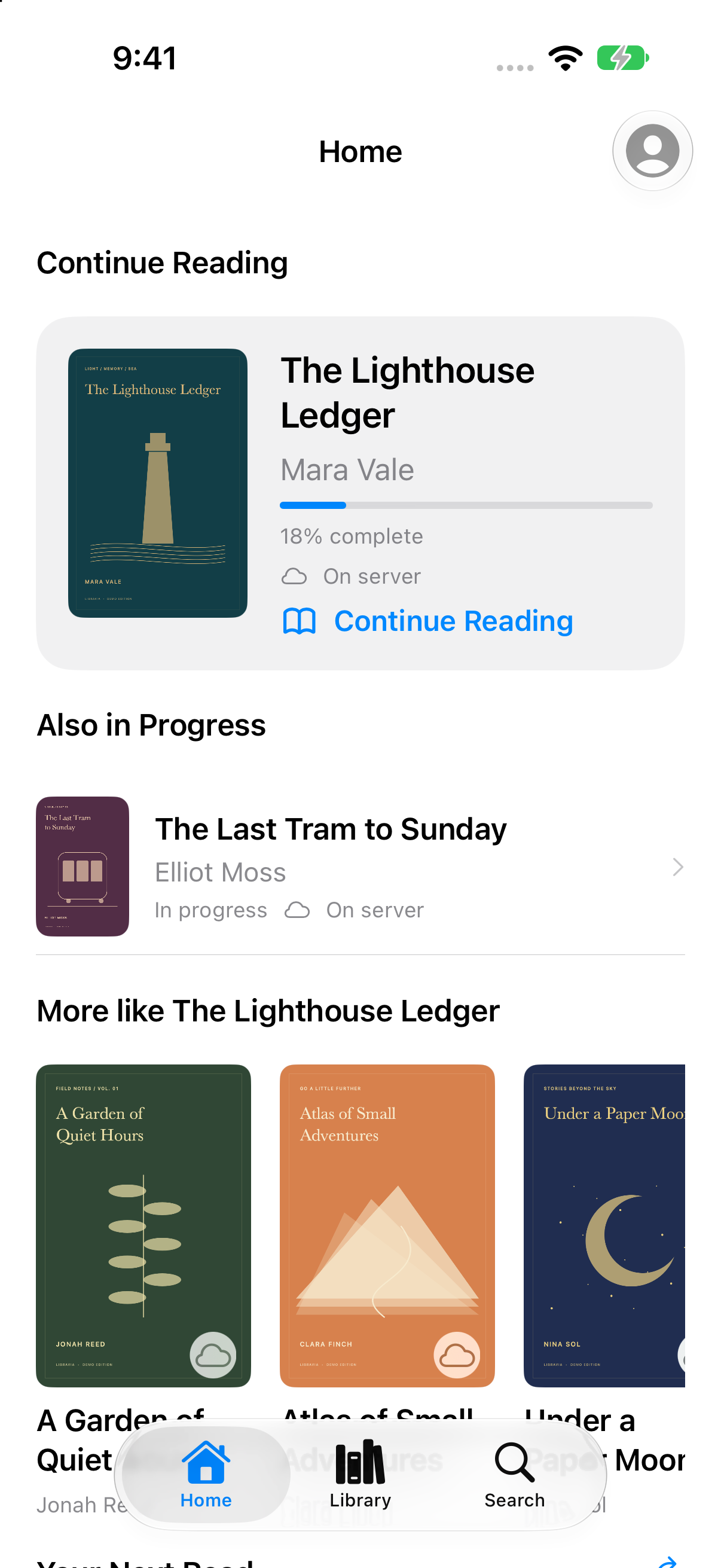
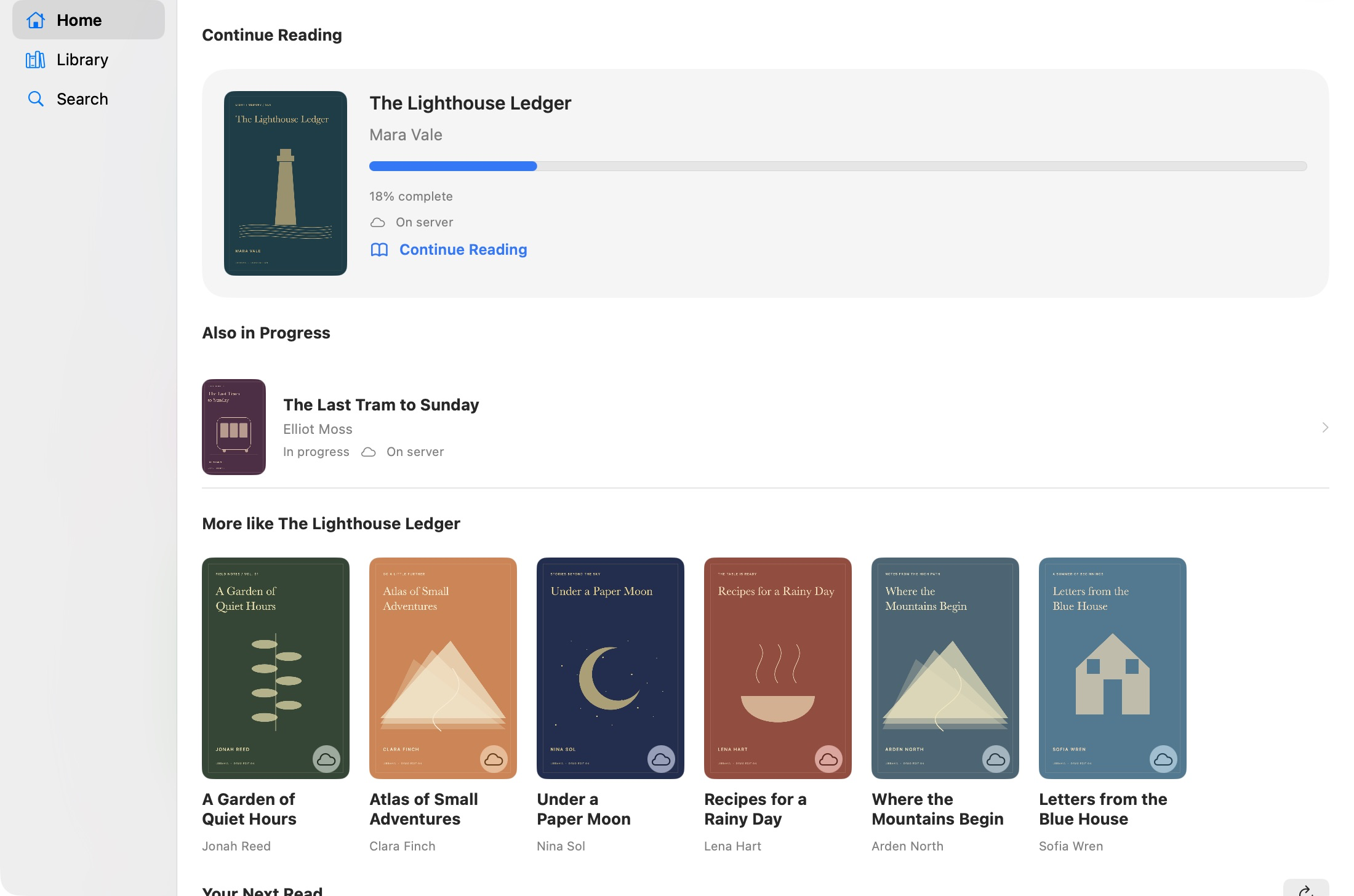
iPhone · iPad · Mac / Actual app screenshots · Demo content
A CLOSER LOOK
Your media. A native Apple app.
A closer look at the app. Scroll to explore each view.
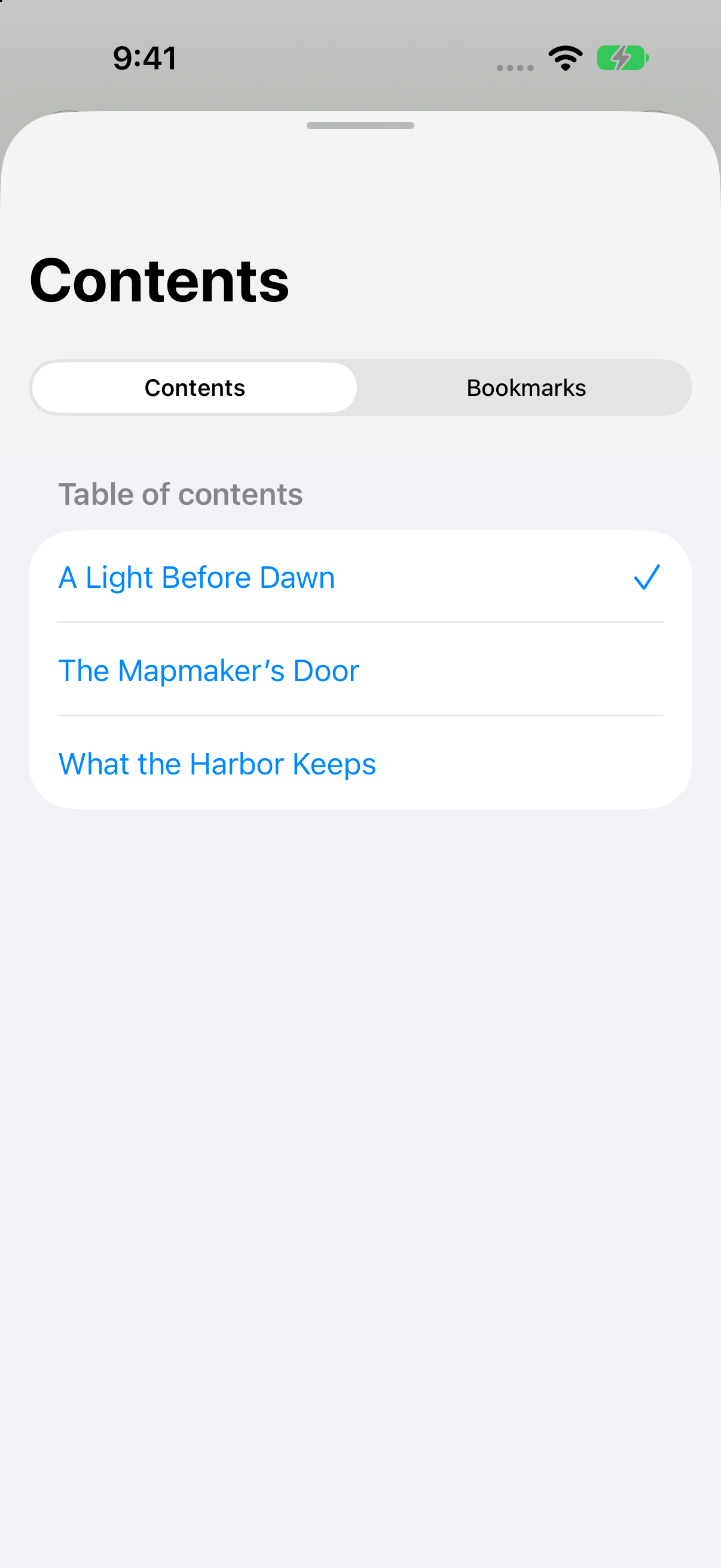
Sign in to your Jellyfin server with your usual login and start reading. Your books and reading progress are there without extra configuration.
01 / LIBRAVIA / HOME
Your books. Right where you left them.
Sign in to your Jellyfin server with your usual login. Your books and reading progress are ready, without a separate OPDS setup or extra configuration.
These features are working in the app today. Screenshots show the current app with demonstration content.
Server sign-in
Connect with your Jellyfin login. No additional configuration required.
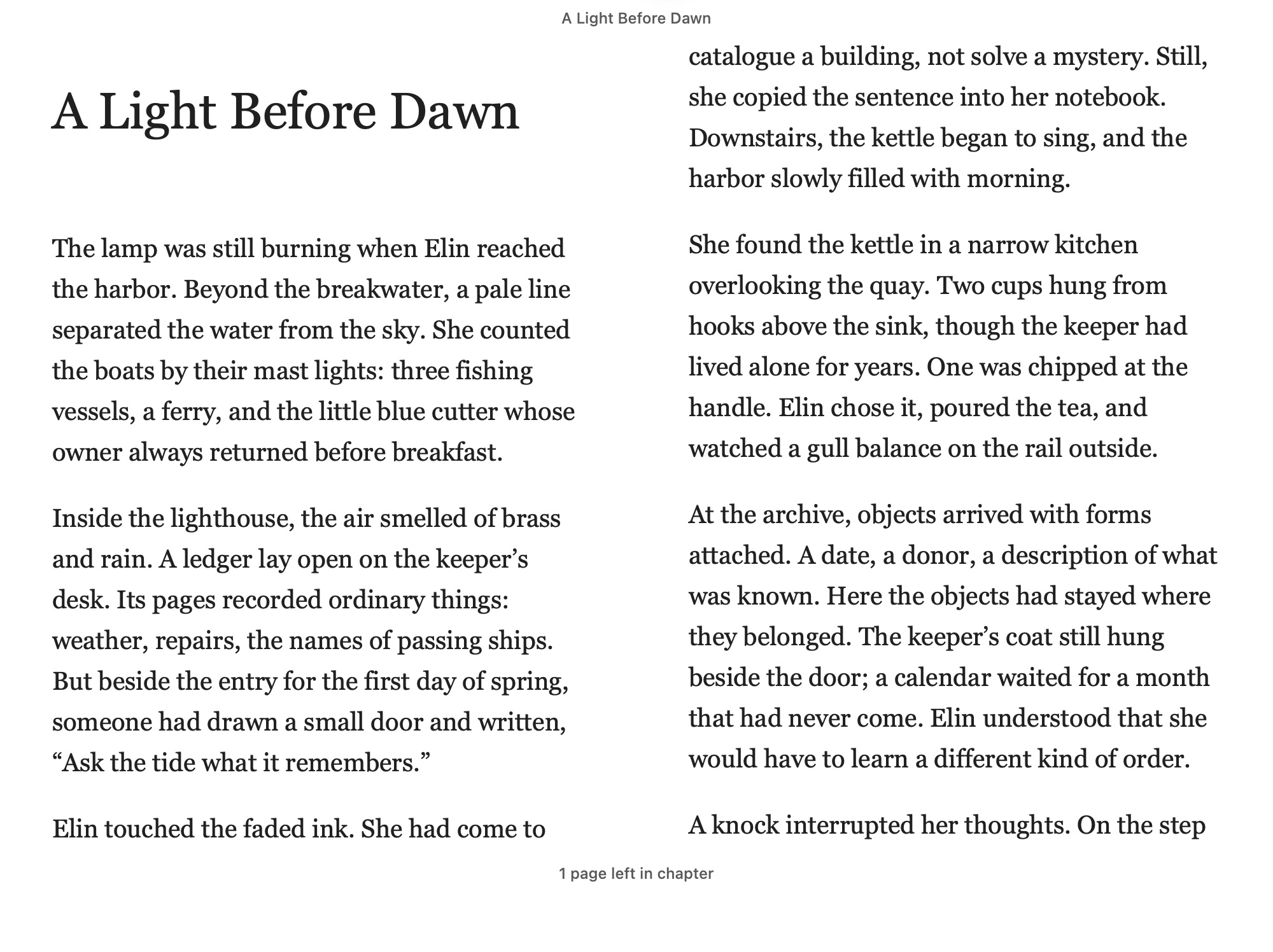
EPUB and PDF
Read the two main book formats currently supported.
Bookmarks
Keep track of passages and places you want to return to.
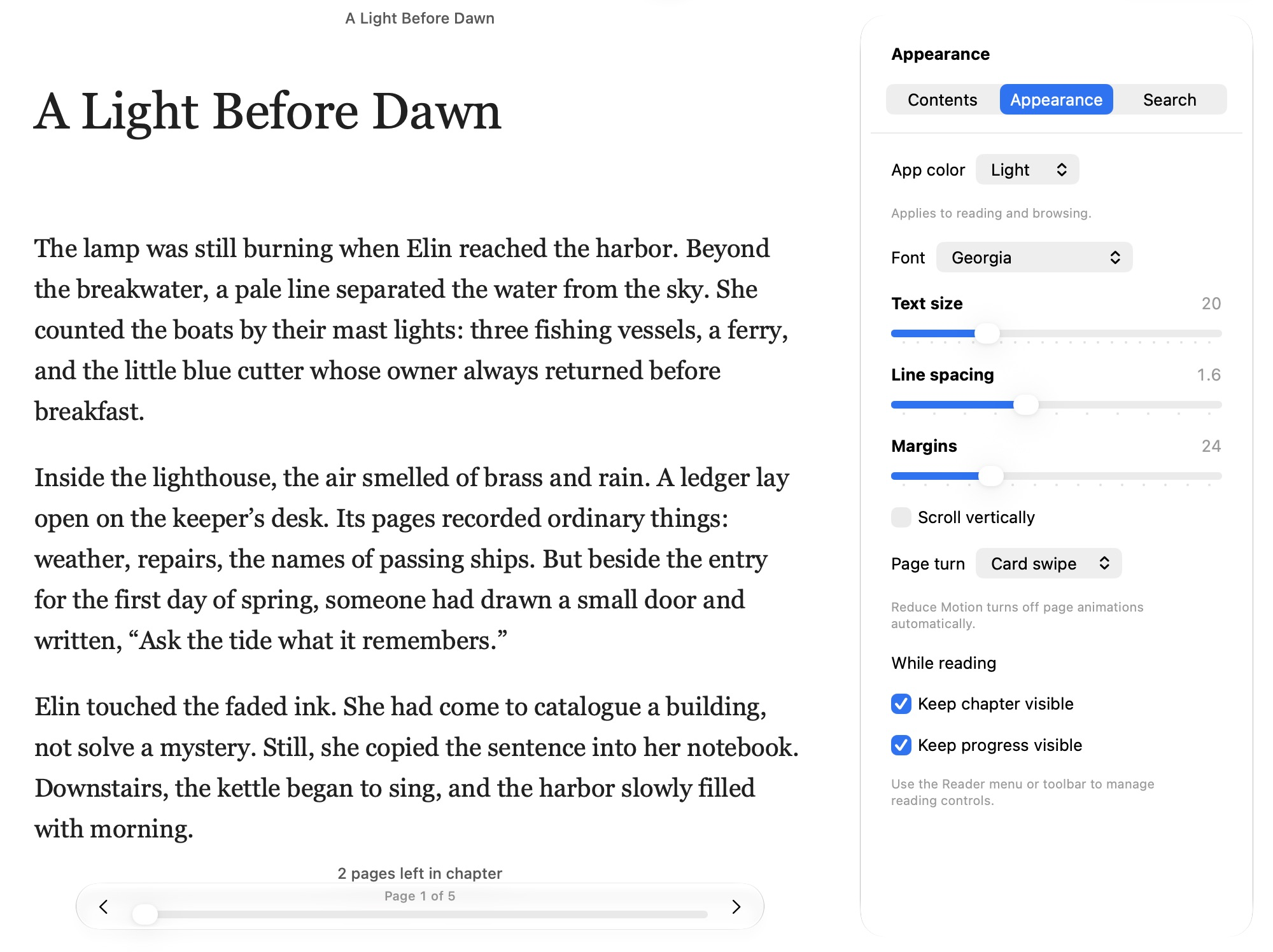
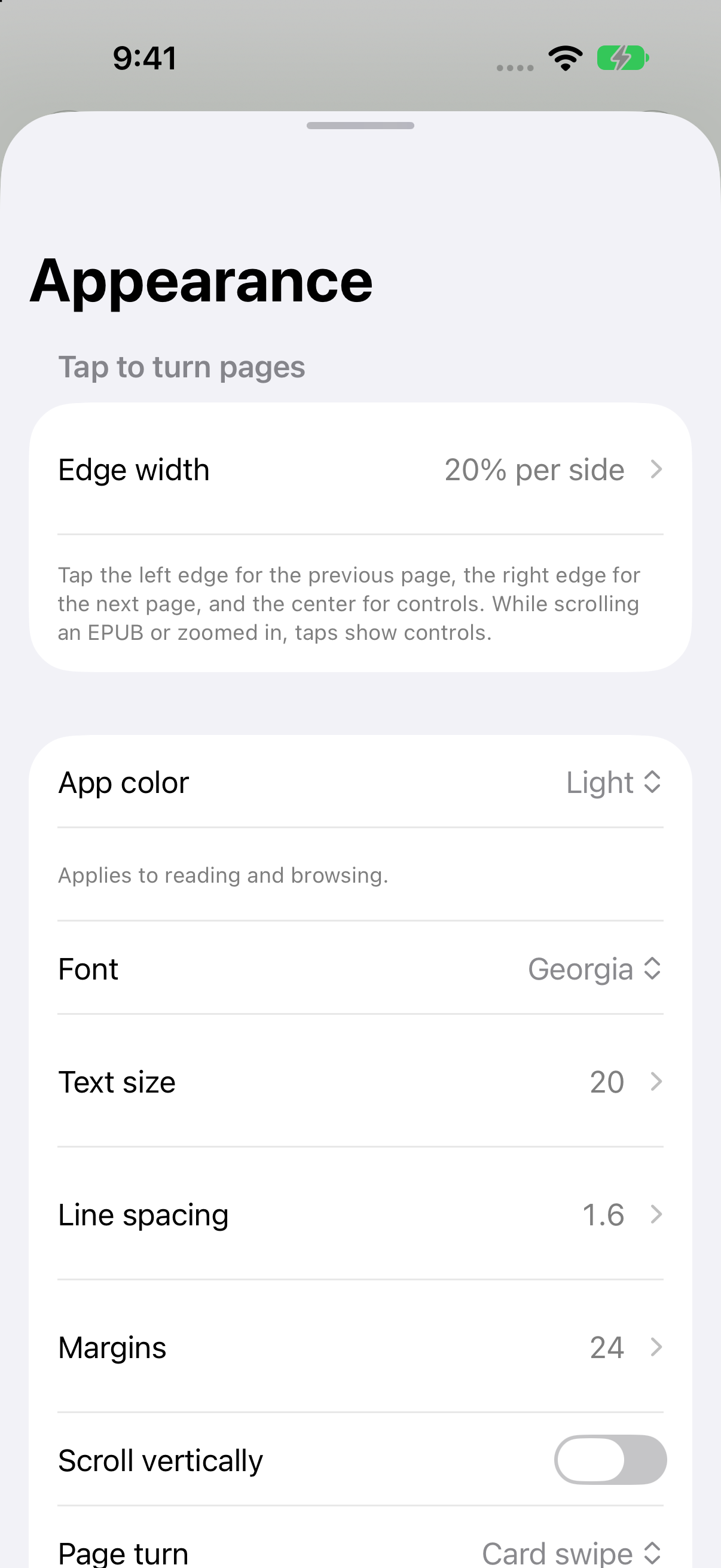
Reader appearance
Adjust the reading appearance to suit you.
Reading progress
Return to the books you already have in progress.
THE DEVICES YOU USE
From your desk to your next page.
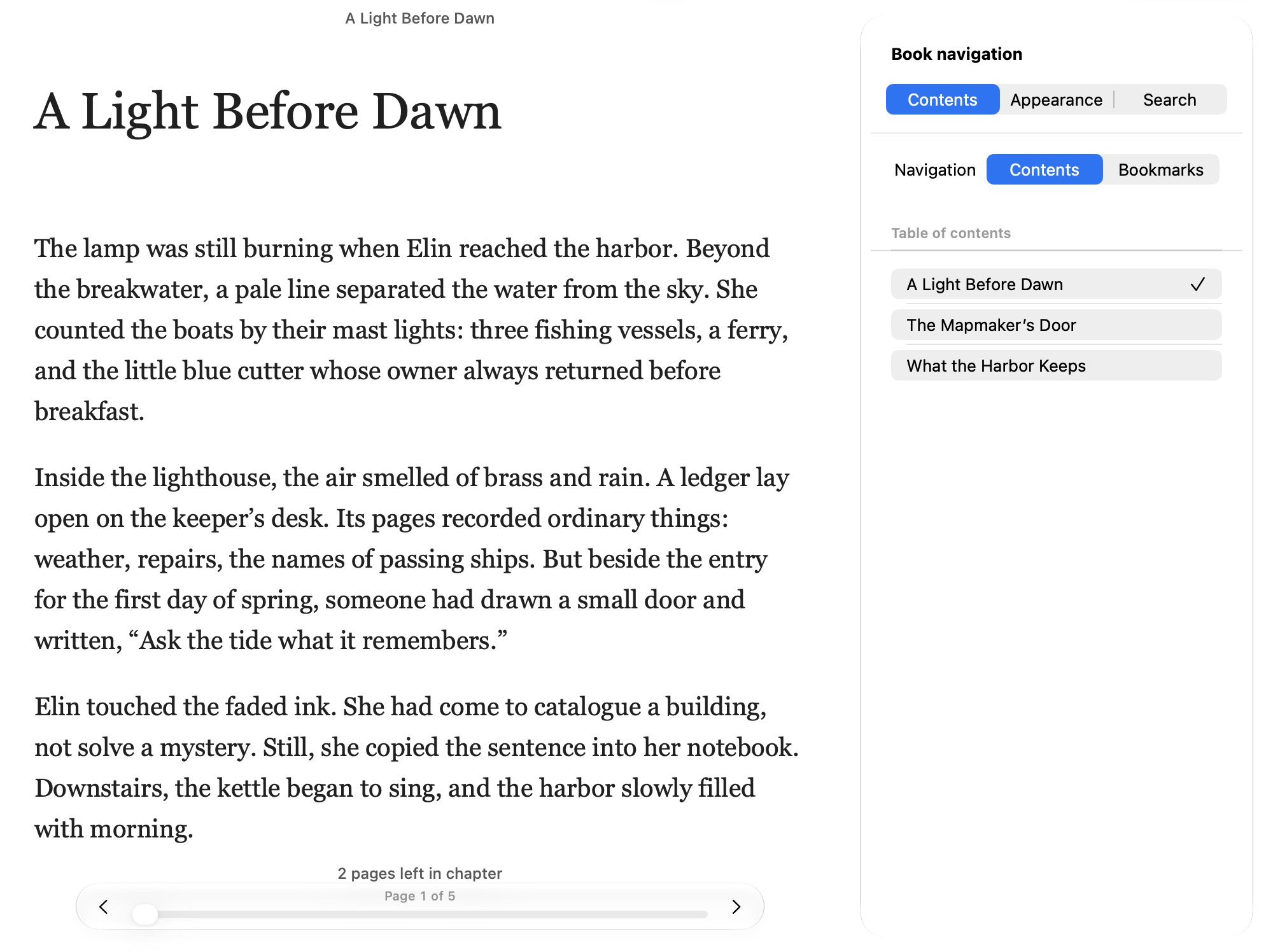
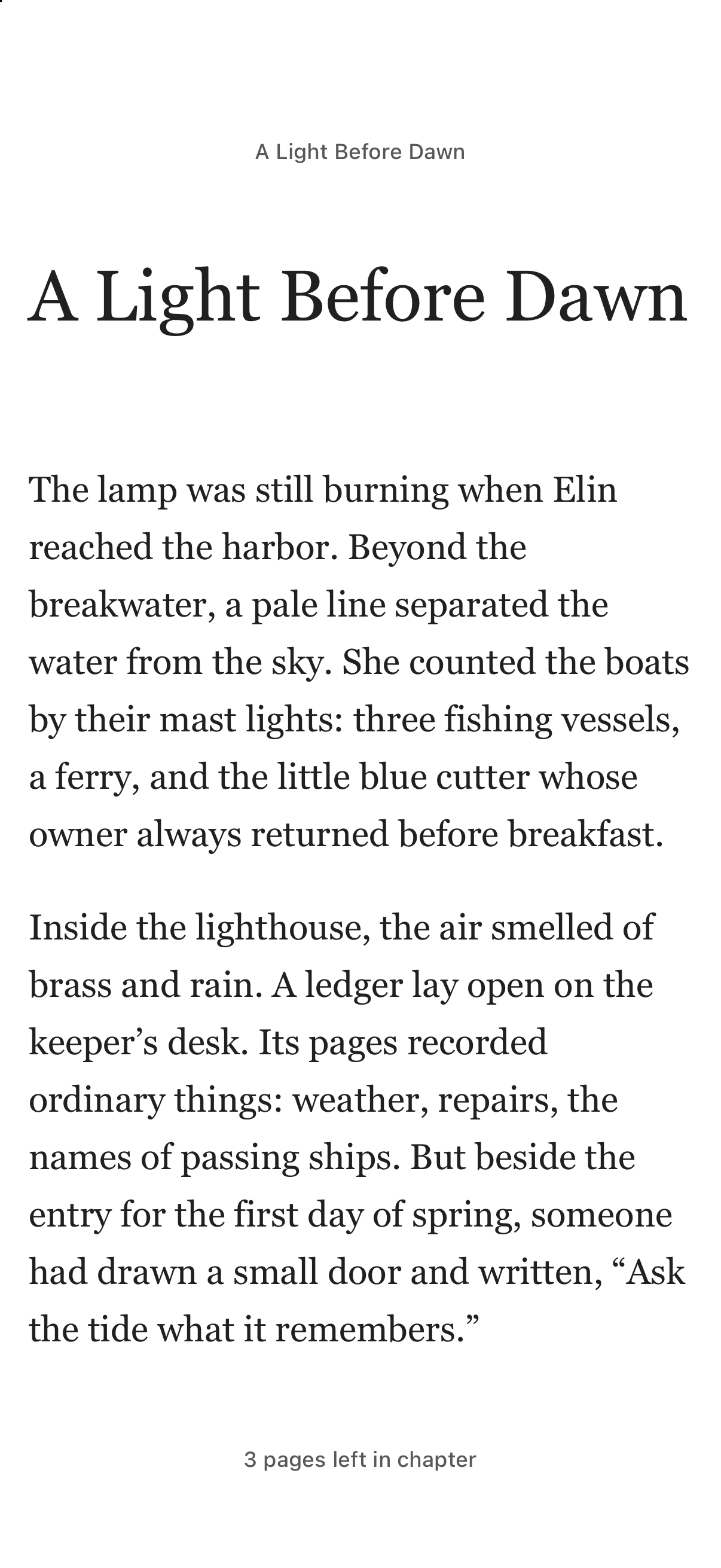
LibraVia currently runs on iPhone, iPad, and Mac. The same focus on reading belongs on each of them.
iPhone
Supported now
LibraVia
iPad
Supported now
Mac
Supported now
Illustrative device views. Current apps require Apple OS 27 and Jellyfin Server 12.0.
Requirements
Jellyfin Server 12.0 and Apple OS 27 are the only supported versions. The app currently runs on iPhone, iPad, and Mac.
Try the app
Public TestFlight links are planned for the coming weeks. We'll add the link here when it is available.
What's next
Highlights and collections are part of the broader experience we want to build. They are not listed here as current features.
Support for other media services and a web experience are planned. Neither is supported today.
Privacy
No automatic app analytics or debug reporting. Debug information can be shared explicitly. TestFlight builds include basic TestFlight feedback reporting.
 LibraVia